Know what’s booked.
See stays and availability in a booking calendar. Keep check-ins and checkouts in view.
 BoutiFlow
RENTAL BOOKING CALENDAR FOR IPHONE
A full calendar shouldn’t mean a full day of admin. Keep bookings, guest details and rental finances together with BoutiFlow for iPhone.
Free plan available · Optional paid upgrades
Illustrative booking example
SMALL BUSINESS. PLENTY TO JUGGLE.
See stays and availability in a booking calendar. Keep check-ins and checkouts in view.
Keep guest details with your reservations, so there’s less to search for when someone arrives.
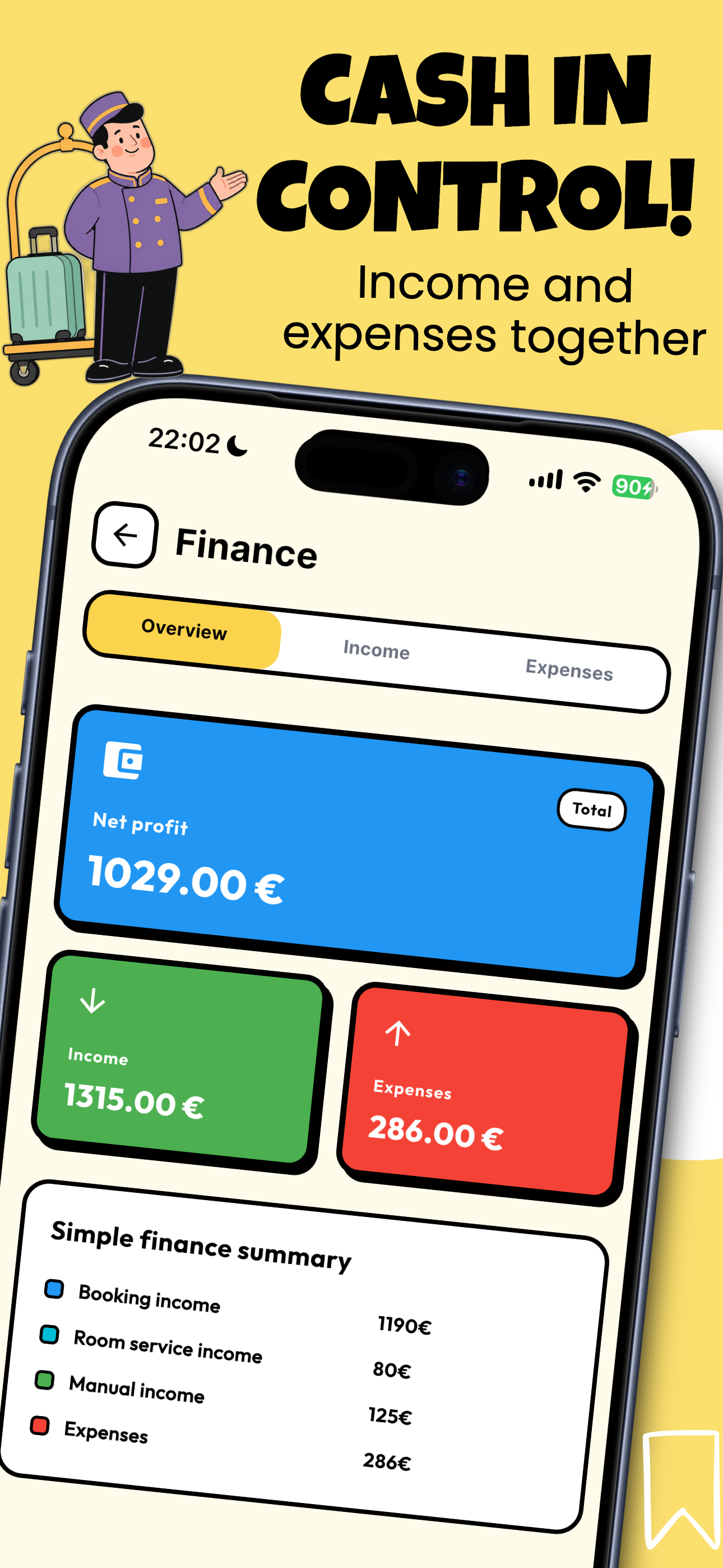
Keep booking income and expenses together. Review the figures for your rental business.
Explore an example
One cabin, one guest, three nights. Keep the stay in view.
A USEFUL PLACE TO START
Not ready for another app? Download a free Excel calendar and make it yours. Five rental spaces, a monthly view, and room for 100 bookings.
Excel file in English · No email needed
A standalone spreadsheet. No connection to Airbnb or other booking platforms. It doesn’t import into the app.
| Guest | Space | Arrival | Departure | Total | Received | Balance |
|---|---|---|---|---|---|---|
| Example guest | Cabin 1 | 12.07.2027 | 15.07.2027 | 450 | 100 | 350 |
Illustrative row. The download starts empty.
THREE SMALL STEPS
Replace Space 1–5 with your cabin or rental names.
Enter dates, total and received payment in the Bookings tab. Enter 0 when no payment has been received.
Choose a month in Calendar. Green means booked; red highlights overlapping bookings. The checkout day stays free.
BOUTIFLOW ON IPHONE
English App Store screenshots
View on the App Store ↗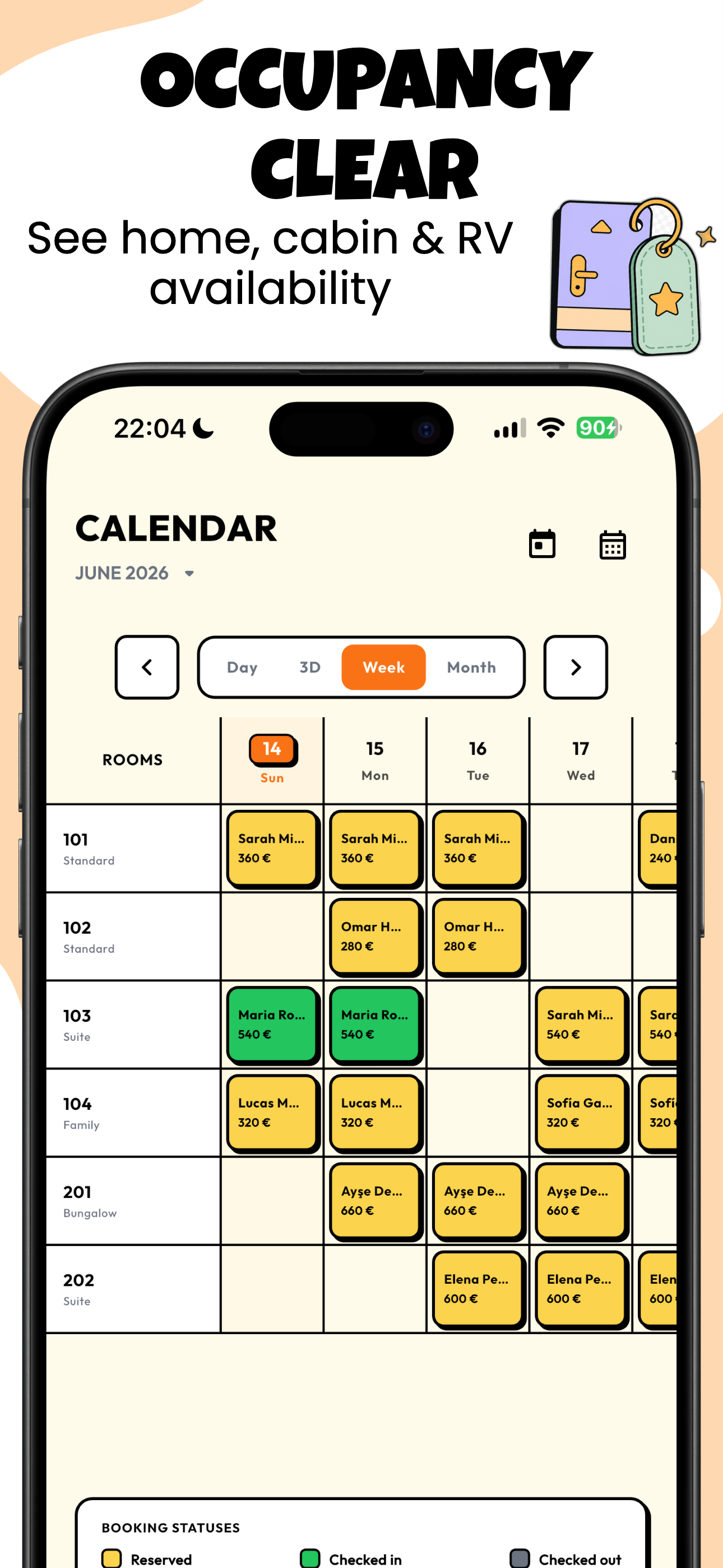
Yes. Download it directly without an email address. It includes five rental spaces and space for 100 bookings.
The spreadsheet is standalone. BoutiFlow supports manual iCal import; changes and cancellations on another platform are not automatically synchronized.
This page links to the iPhone app on the App Store.
BoutiFlow has a Free plan with limits and optional paid upgrades. Check the App Store and the app for current pricing and included features.
The screenshots here show the English interface. BoutiFlow also supports German, Turkish, French, Spanish and Russian.
BOUTIFLOW
Start with the free calendar. Move to BoutiFlow when you want your bookings in your pocket.